

Buildings that accept digital rent payments near the 6 train in Kips Bay
Kips Bay is a Manhattan neighborhood with multiple transit options nearby, including access to the 6 train corridor. This page currently finds 55+ buildings in Kips Bay that match the “near the 6 train” and “accepts digital rent payments” filters. For building quality context, Kips Bay has rated buildings averaging 3.7/5 across 138 rated buildings (building-level trends; individual units can differ)
Find buildings that accept digital rent payments near the 6 train in Kips Bay. This page covers 55+ eligible buildings in the live Openigloo set so you can narrow by payment method and location. On Openigloo, you can compare building-level signals like rated-building feedback, then verify the specific digital payment setup with the tenant Q&A and building details. Use this page to shortlist, ask the right questions, and confirm how rent is actually processed before you sign.
Buildings that accept digital rent payments near the 6 train in Kips Bay
Showing 1–18 of 55 buildings that accept digital rent payments near the 6 train in Kips Bay.

240 E 27 St
Kips Bay

195 Lexington Avenue
Kips Bay

230 East 30 Street
Kips Bay

300 East 34 Street
Kips Bay

155 East 29 Street
Kips Bay

401 2 Avenue
Kips Bay
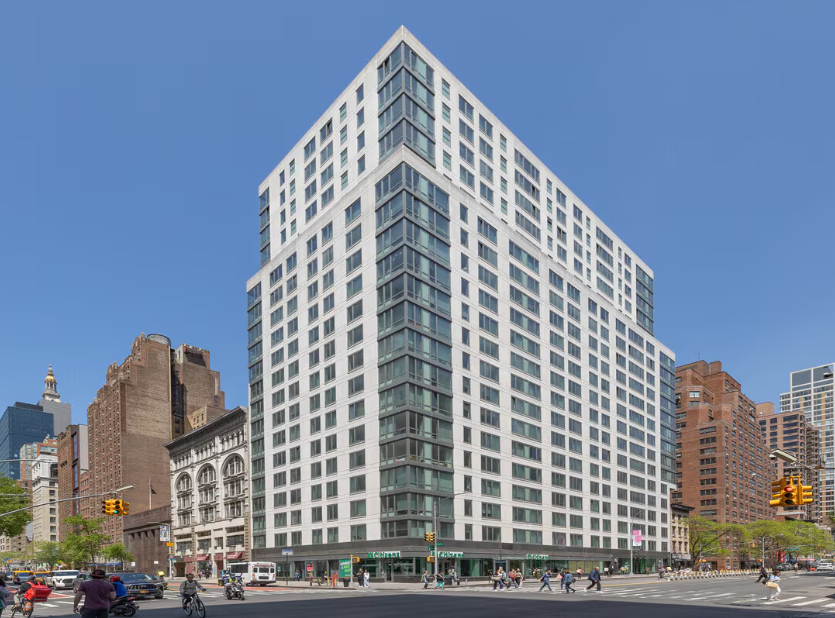
175 East 23 Street
Kips Bay

480 2 Avenue
Kips Bay

247 East 28 Street
Kips Bay

150 East 34 Street
Kips Bay

340 East 34 Street
Kips Bay

200 E 33 St
Kips Bay
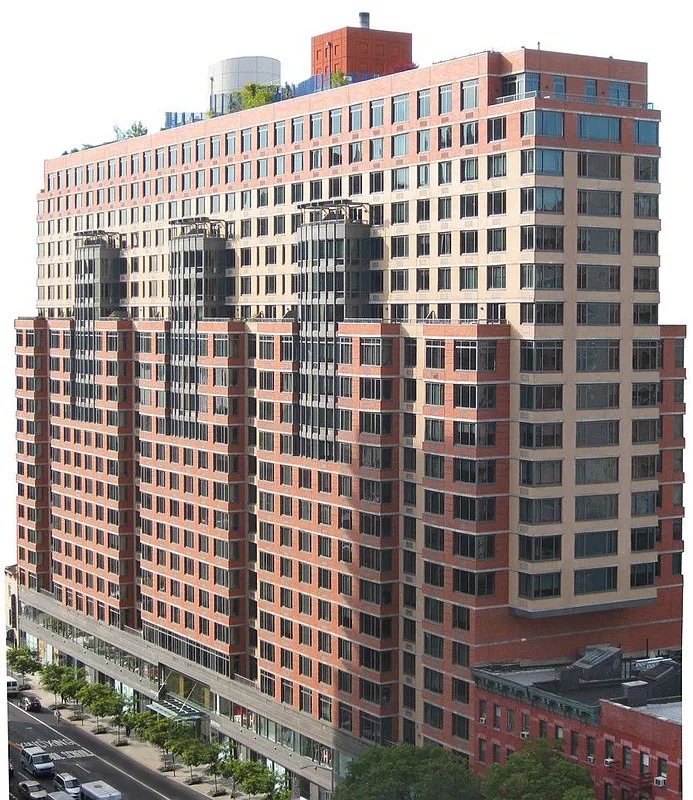
222 East 34 Street
Kips Bay
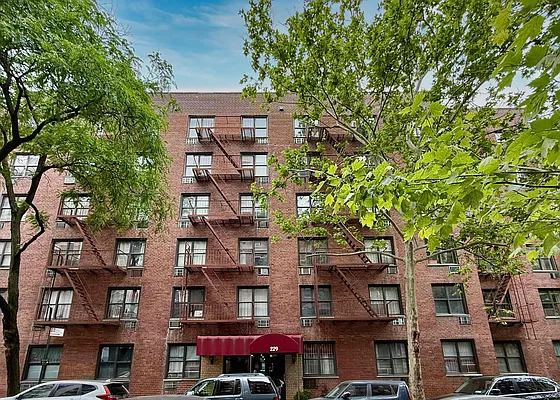
229 E 29 St
Kips Bay

312 East 30 Street
Kips Bay

230 East 27 Street
Kips Bay
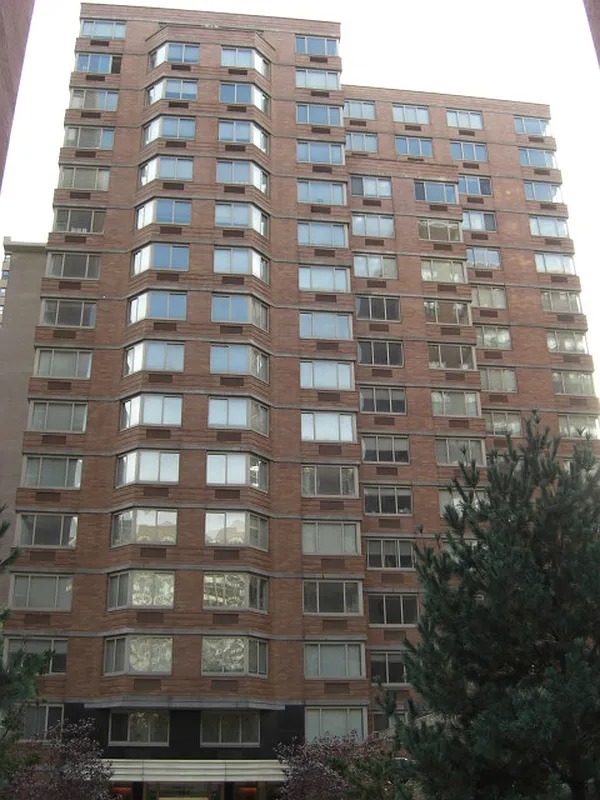
340 East 29 Street
Kips Bay

154 East 29 Street
Kips Bay
What to check before choosing a building that accept digital rent payments near the 6 train in Kips Bay
- Confirm what “digital” means for that building (portal vs. ACH vs. card), and whether there’s a processing fee.
- Check the rent-payment timeline (when payments post, and what counts as on-time) to avoid late-fee surprises.
- Use rated-building feedback to spot patterns, then read tenant Q&A for real-world payment instructions.
- Before committing, confirm the required setup documents and any deadlines for activating the payment method.
- If you use autopay, ask how changes are handled (updates to banking info, cancellations, and re-verification rules).