

Buildings that accept digital rent payments in Kips Bay
Kips Bay is a Manhattan neighborhood where you’ll find a mix of residential buildings that can vary by management style and lease terms. This page focuses specifically on buildings that accept digital rent payments, so you can target payment workflows that fit your routine. On Openigloo, Kips Bay shows 3.7/5 as the avg_building_rating across 138 rated buildings (building-level trends; individual units can differ)
This page covers buildings in Kips Bay, Manhattan that accept digital rent payments, with 58+ buildings matching the filter right now. Openigloo helps you narrow faster by pairing available buildings with what renters report and what we can verify from building-level signals. You can use the rated-building data and renter questions to confirm how payment works (apps/portals, deadlines, and any extra fees) before you sign a lease.
Buildings that accept digital rent payments in Kips Bay
Showing 1–18 of 58 buildings that accept digital rent payments in Kips Bay.
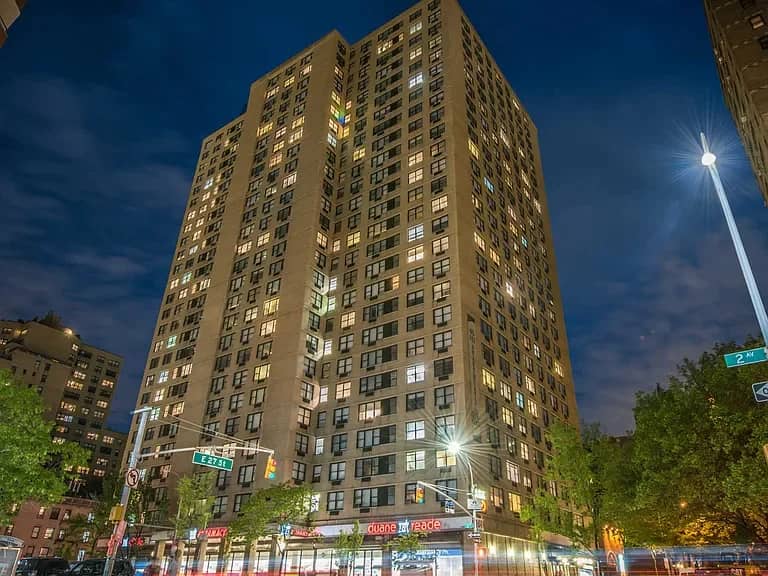
240 East 27 Street
Kips Bay
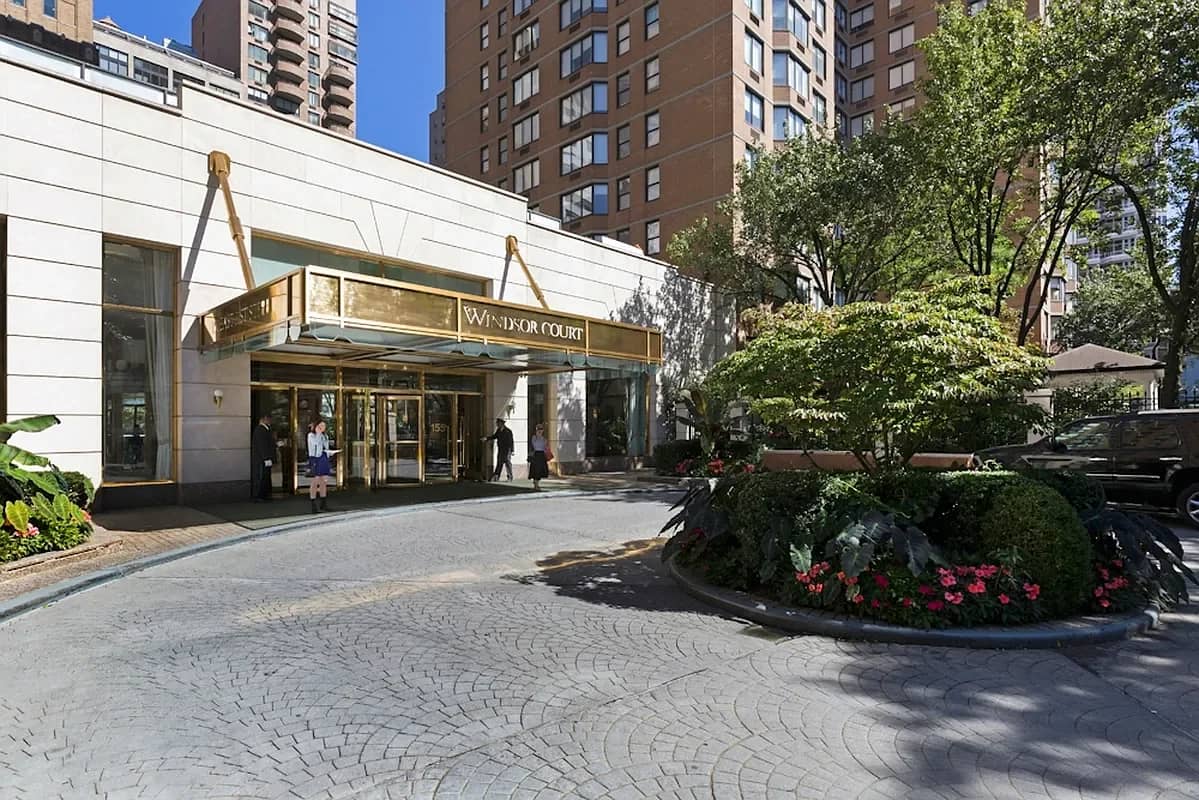
155 East 31 Street
Kips Bay
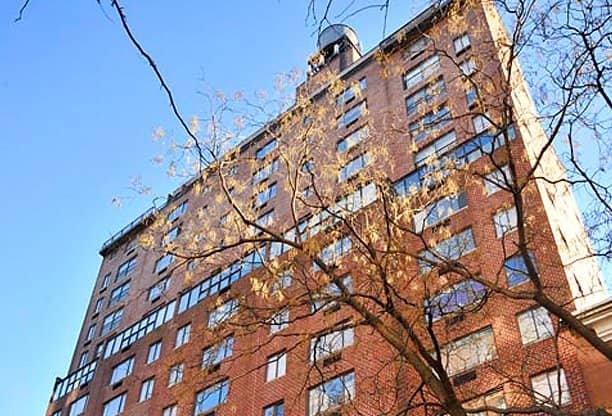
230 East 30 Street
Kips Bay
300 East 34 Street
Kips Bay
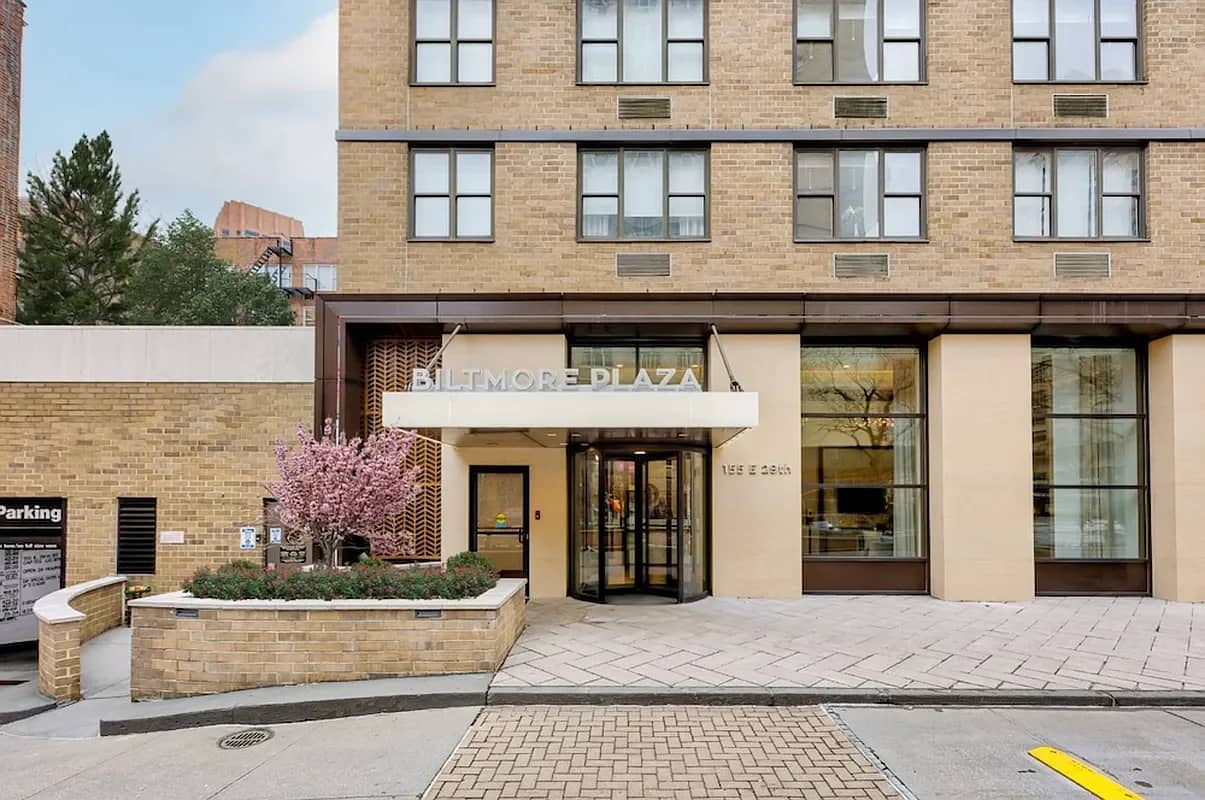
155 East 29 Street
Kips Bay
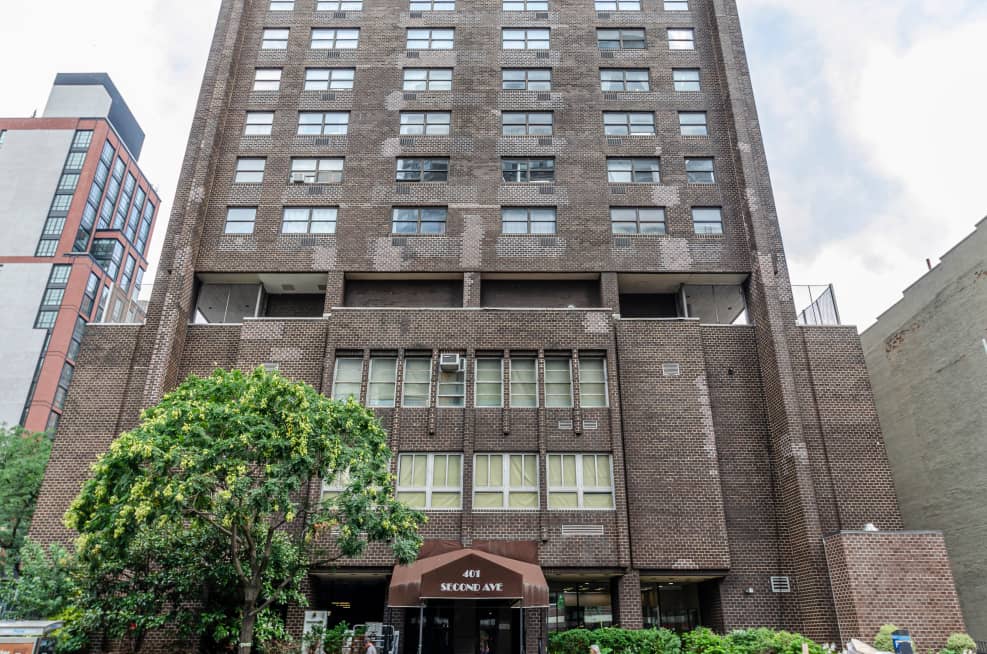
401 2 Avenue
Kips Bay
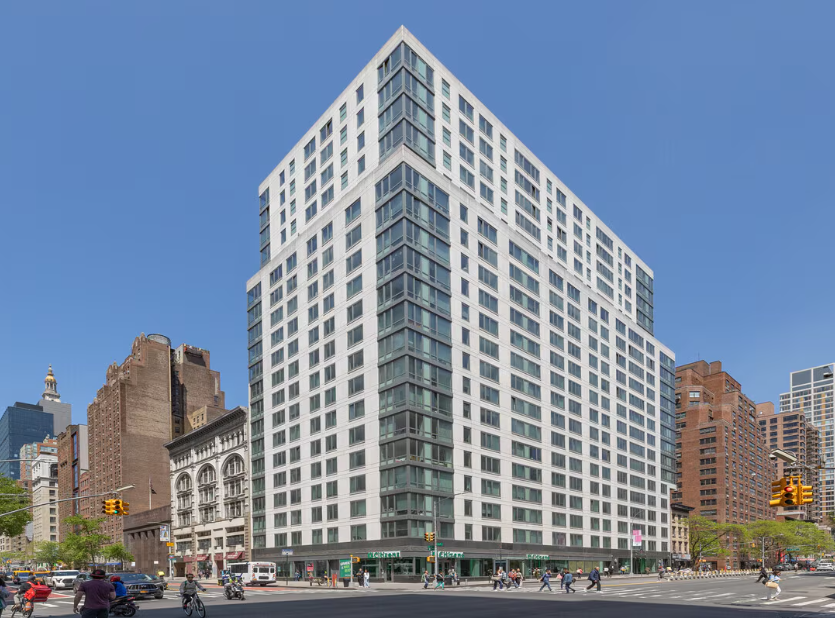
175 East 23 Street
Kips Bay
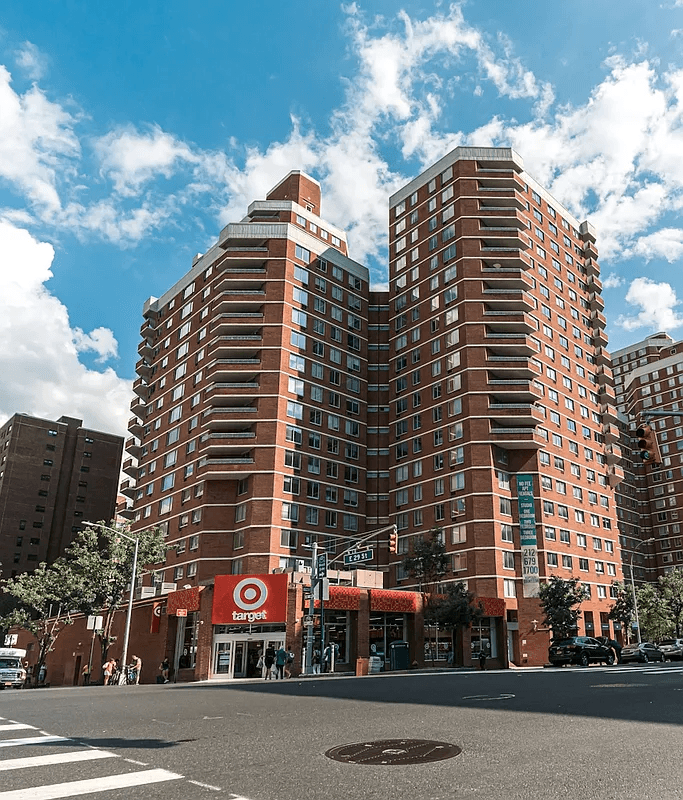
480 2 Avenue
Kips Bay
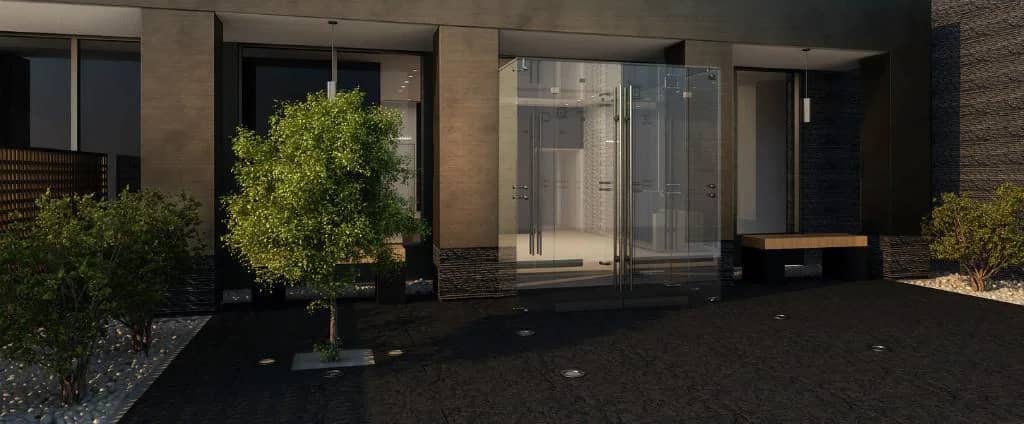
247 E 28 St
Kips Bay

150 East 34 Street
Kips Bay
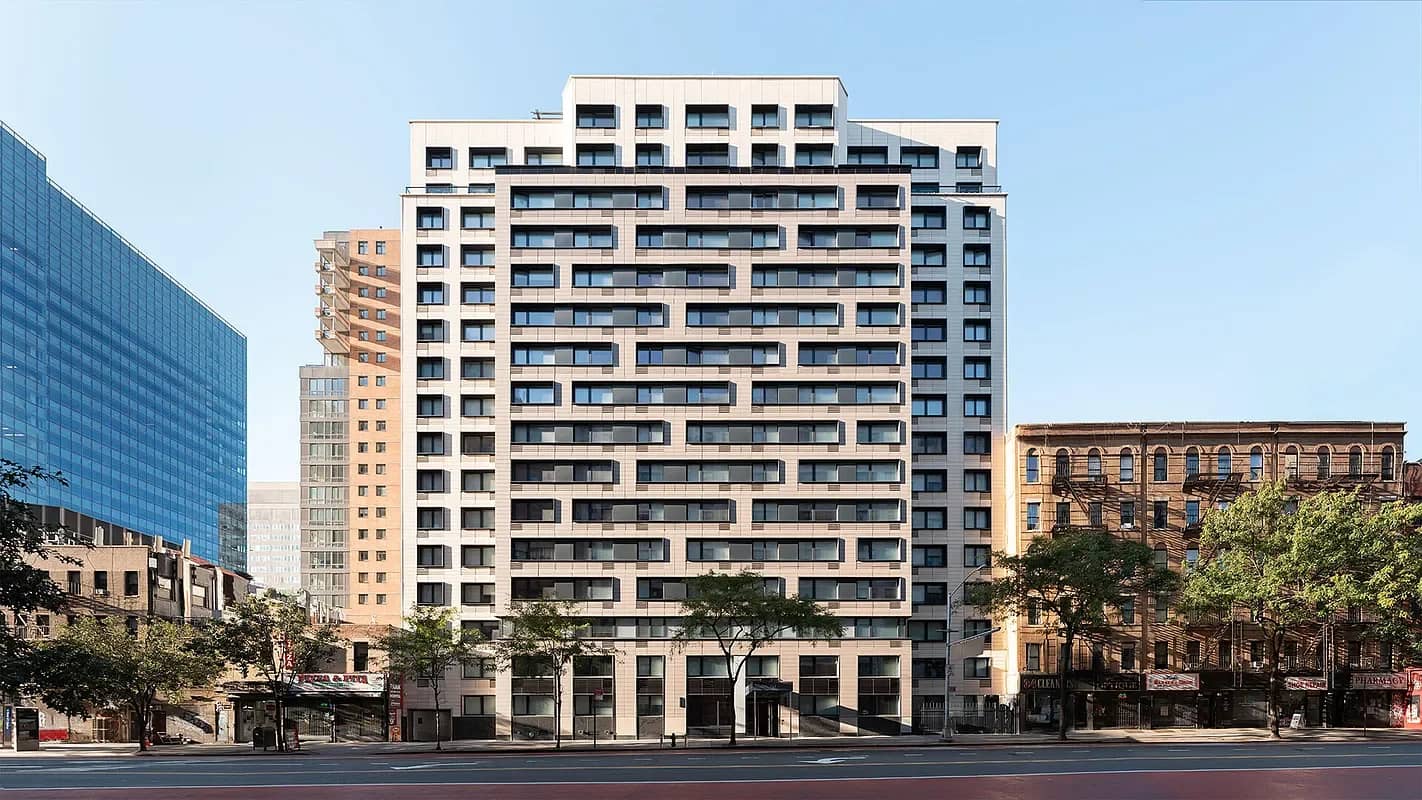
340 East 34 Street
Kips Bay
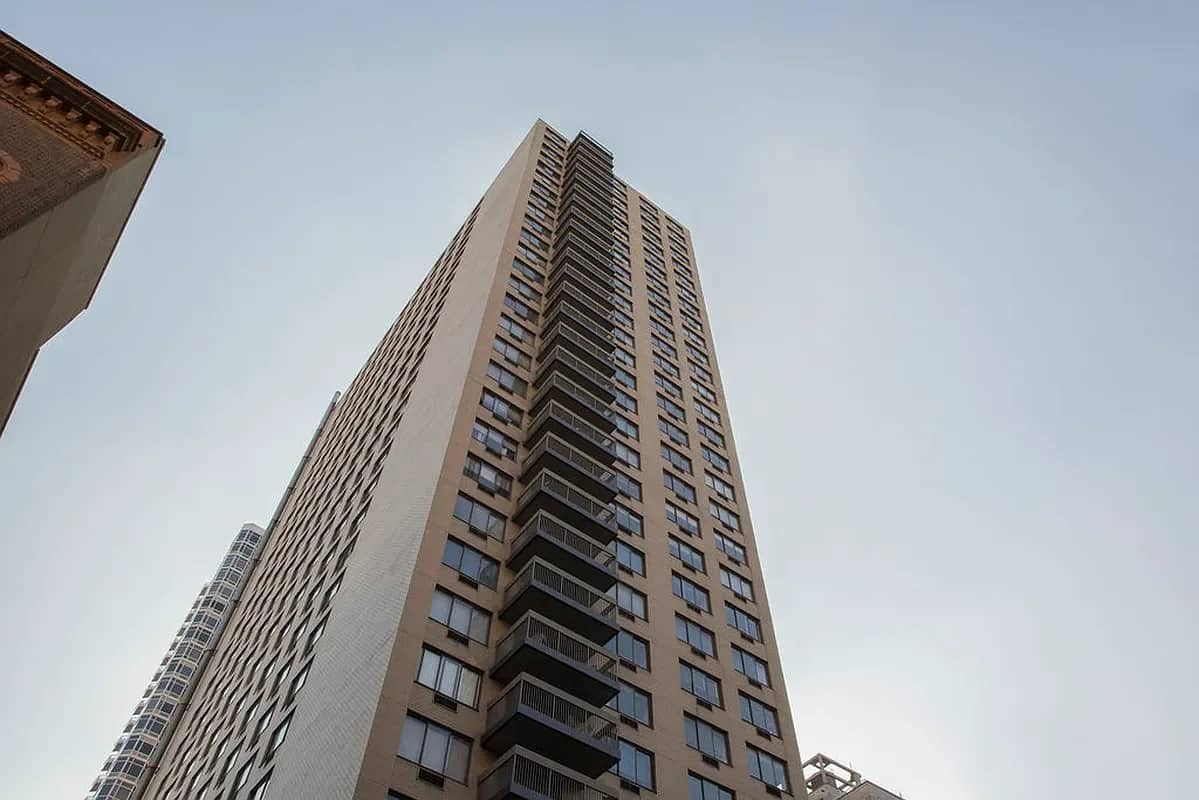
200 E 33 St
Kips Bay
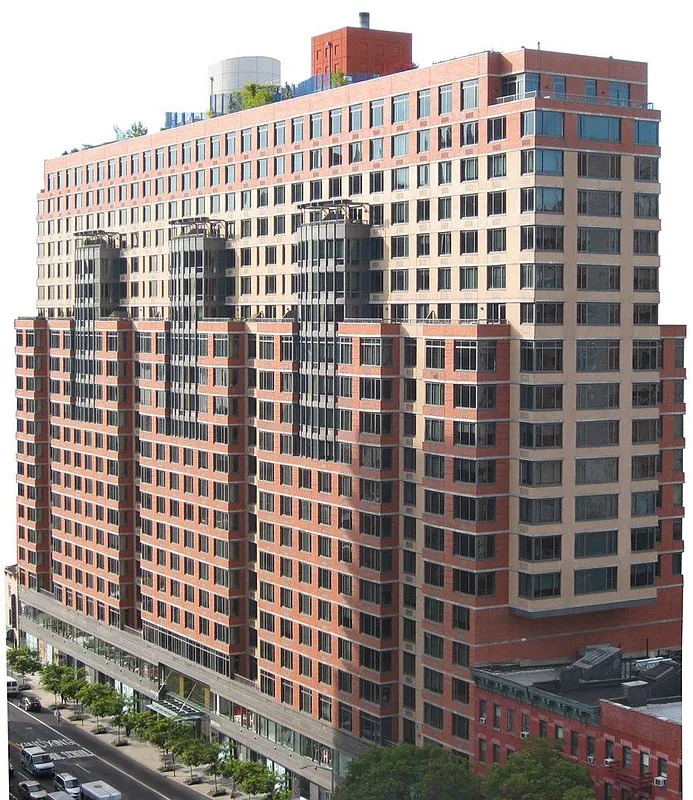
222 East 34 Street
Kips Bay
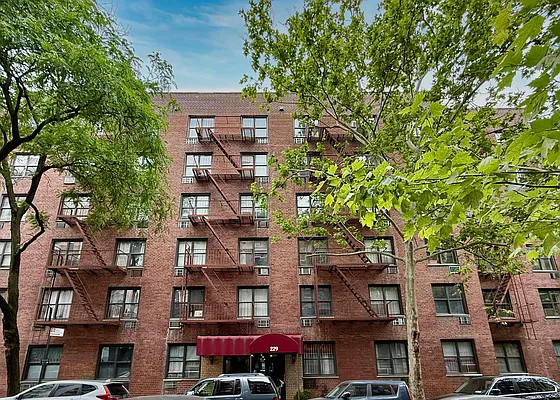
229 E 29 St
Kips Bay
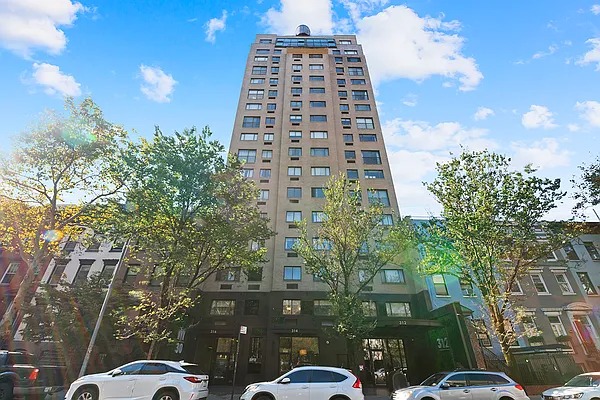
312 East 30 Street
Kips Bay
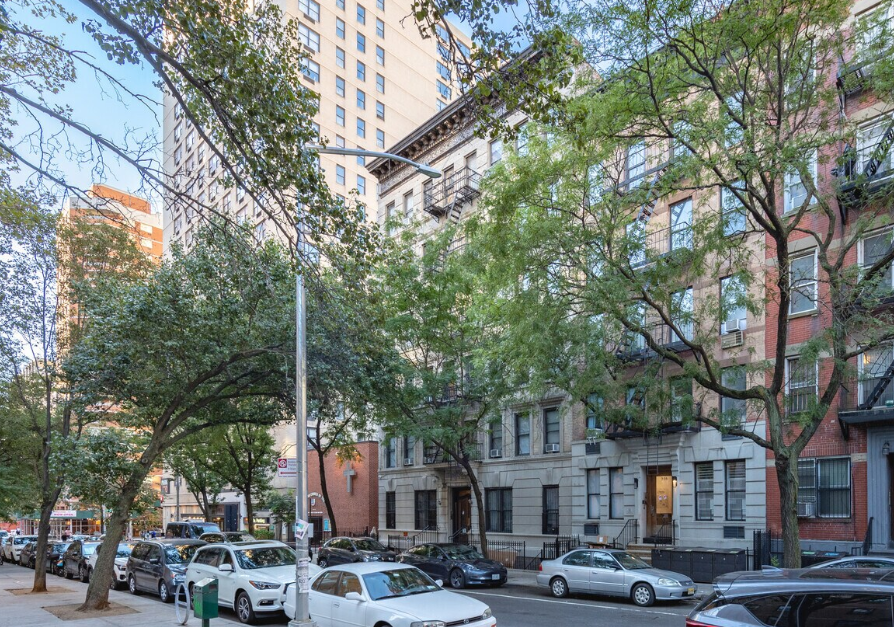
230 East 27 Street
Kips Bay
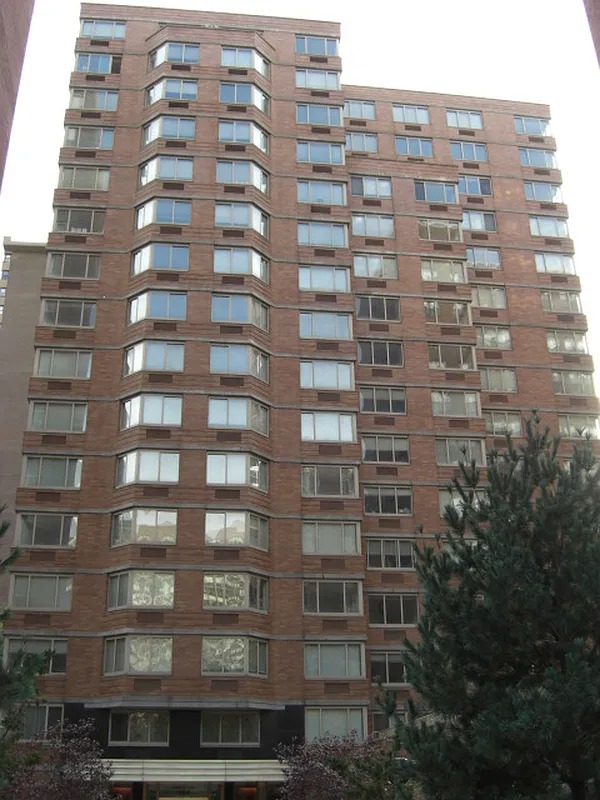
340 East 29 Street
Kips Bay
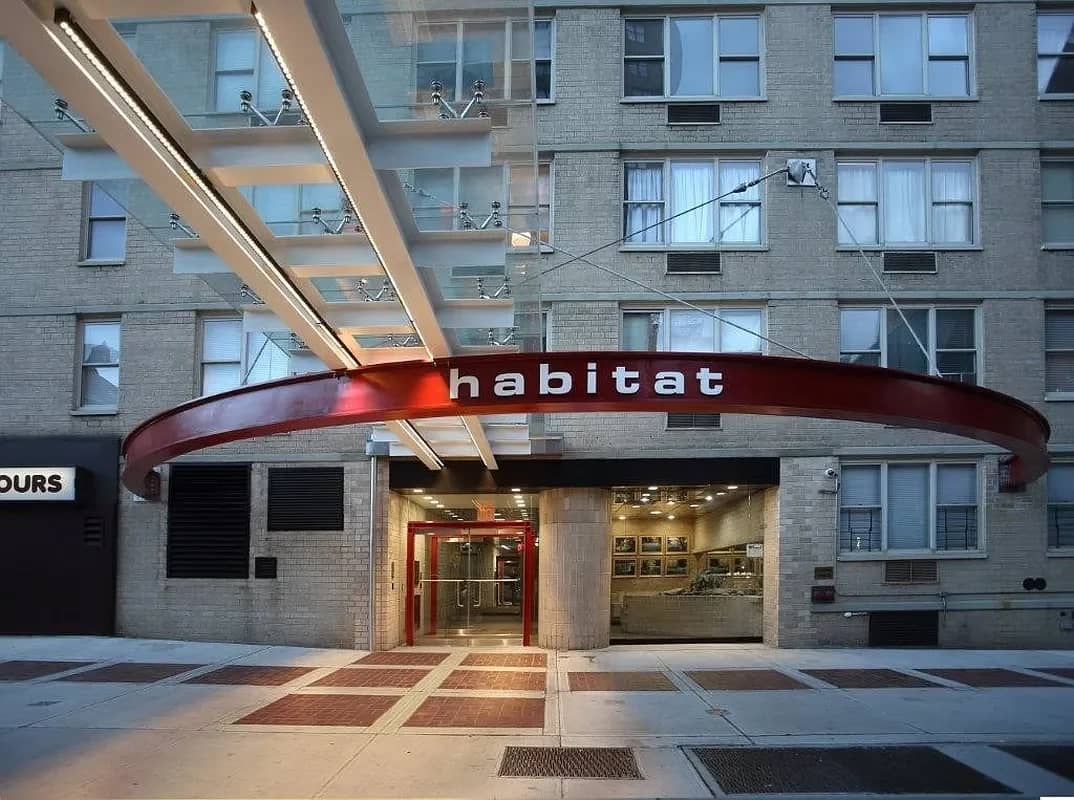
154 East 29 Street
Kips Bay
What to check before choosing a building that accept digital rent payments in Kips Bay
- Confirm what “digital payments” means for the building (portal/app, bank transfer, card, or ACH) and whether rent is due by a specific cutoff time.
- Ask whether there are payment-method fees, convenience charges, or any deposit/payment-installment rules tied to digital rent.
- Check lease terms for late-payment handling when using a portal (posting time, grace periods, and how the building documents receipt).
- Use Openigloo’s building pages to review rated-building context and read tenant Q&A so you can spot patterns across multiple buildings.
- If you’re using autopay, verify required steps (how to set it up, proof of payment expectations, and how to update payment details).